Encrypted & Audit-Logged
TLS in transit, AES at rest, access logged
Role-Based Access
Granular care team permissions
Built for Care
Designed by special needs parents
Everything You Need
One platform for your
entire care journey
AI-Powered Insights
Intelligent analysis of developmental milestones, behavioral patterns, and personalized recommendations for your child's unique journey.
Care Team Coordination
Connect therapists, teachers, and family members in one unified space. Everyone stays aligned on goals and progress.
Smart Scheduling
Manage appointments, therapy sessions, and family activities with intelligent conflict detection.
Document Vault
Securely store IEPs, medical records, and assessments. Access them anywhere, share them instantly.
Goal Tracking
Set developmental goals, track progress with visual timelines, and celebrate every milestone.
Resource Library
Curated articles, guides, and tools tailored to your child's specific needs and developmental stage.
Built for Your Phone
Your care team,
in your pocket
Ditri is designed mobile-first. Manage everything from your phone — the desktop experience mirrors it seamlessly.
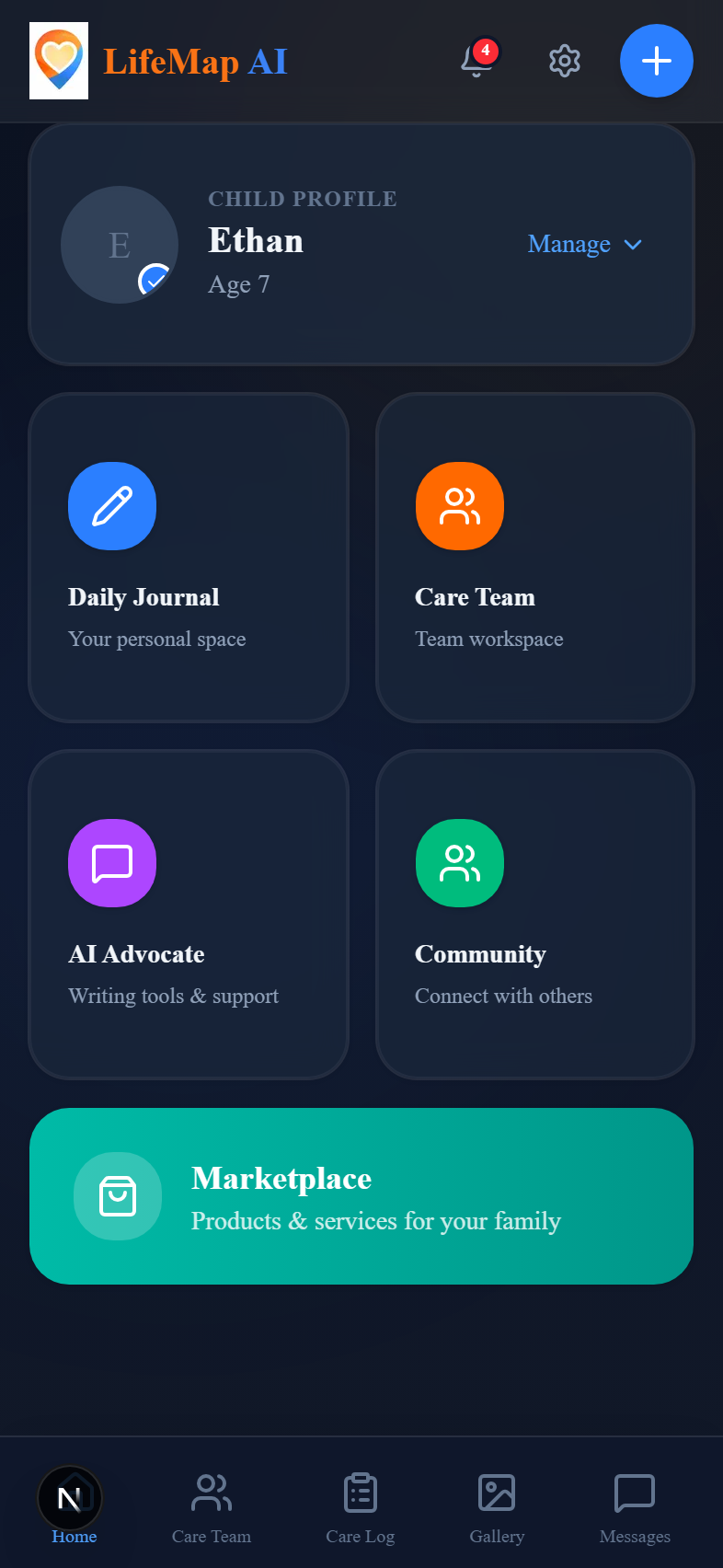
Dashboard
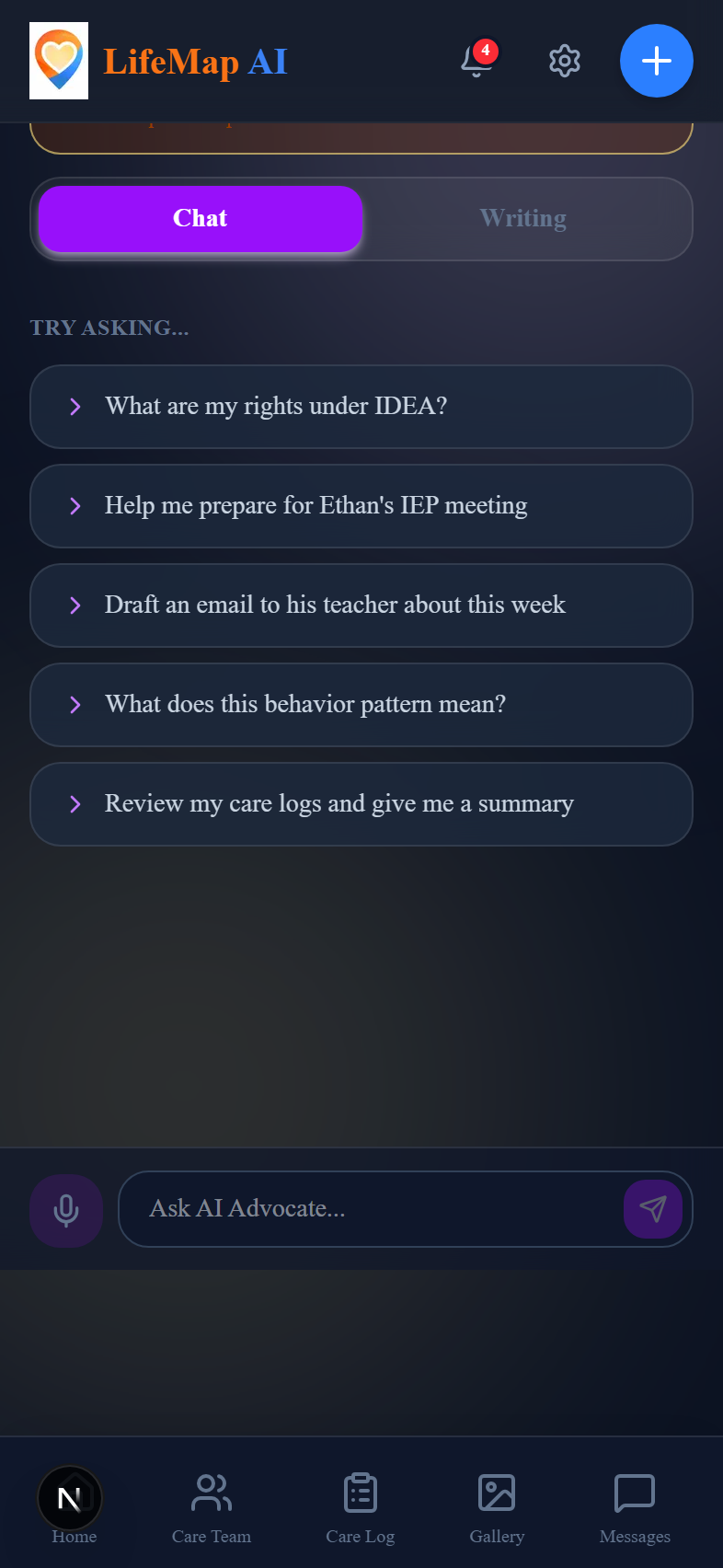
AI Advocate
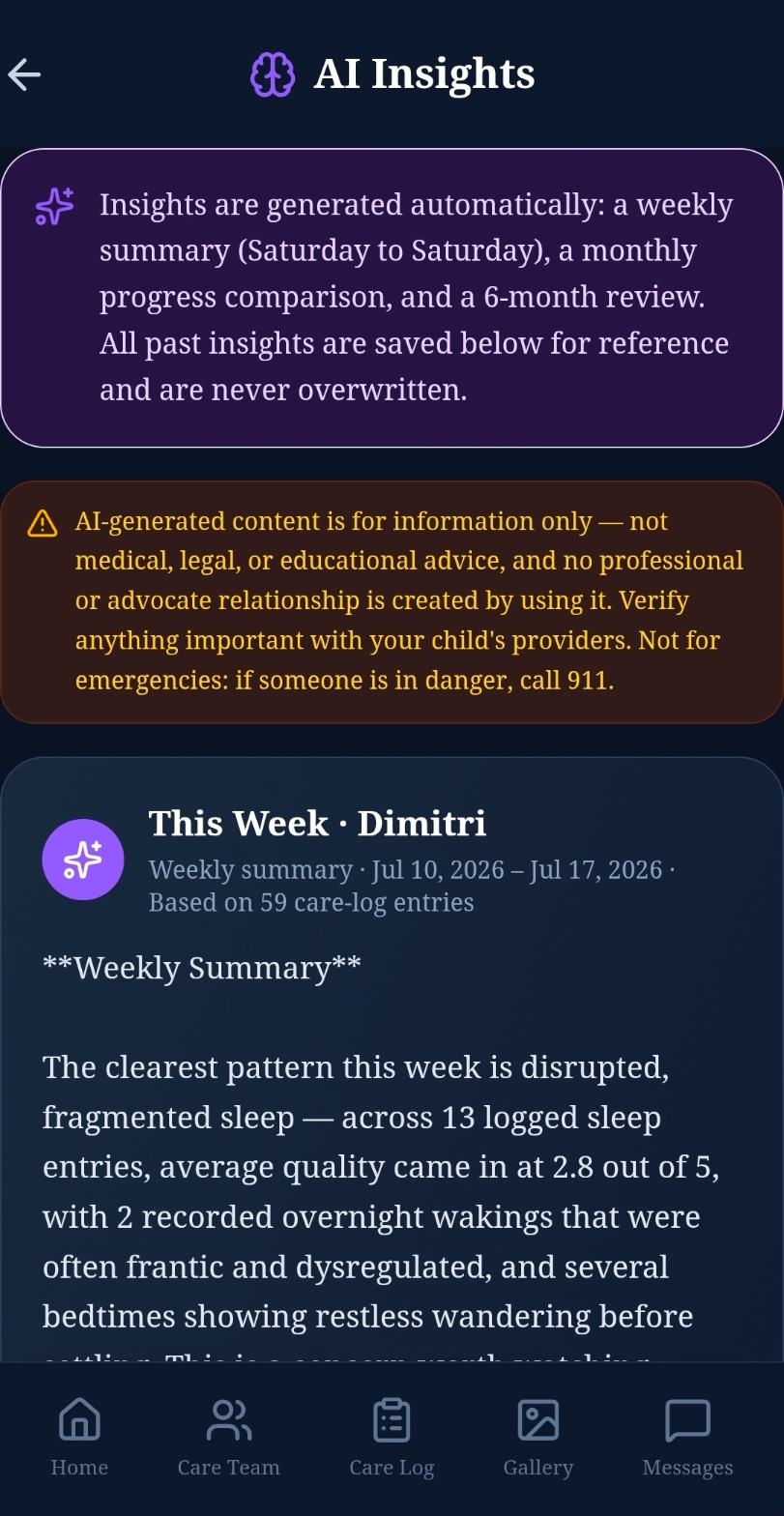
AI Insights
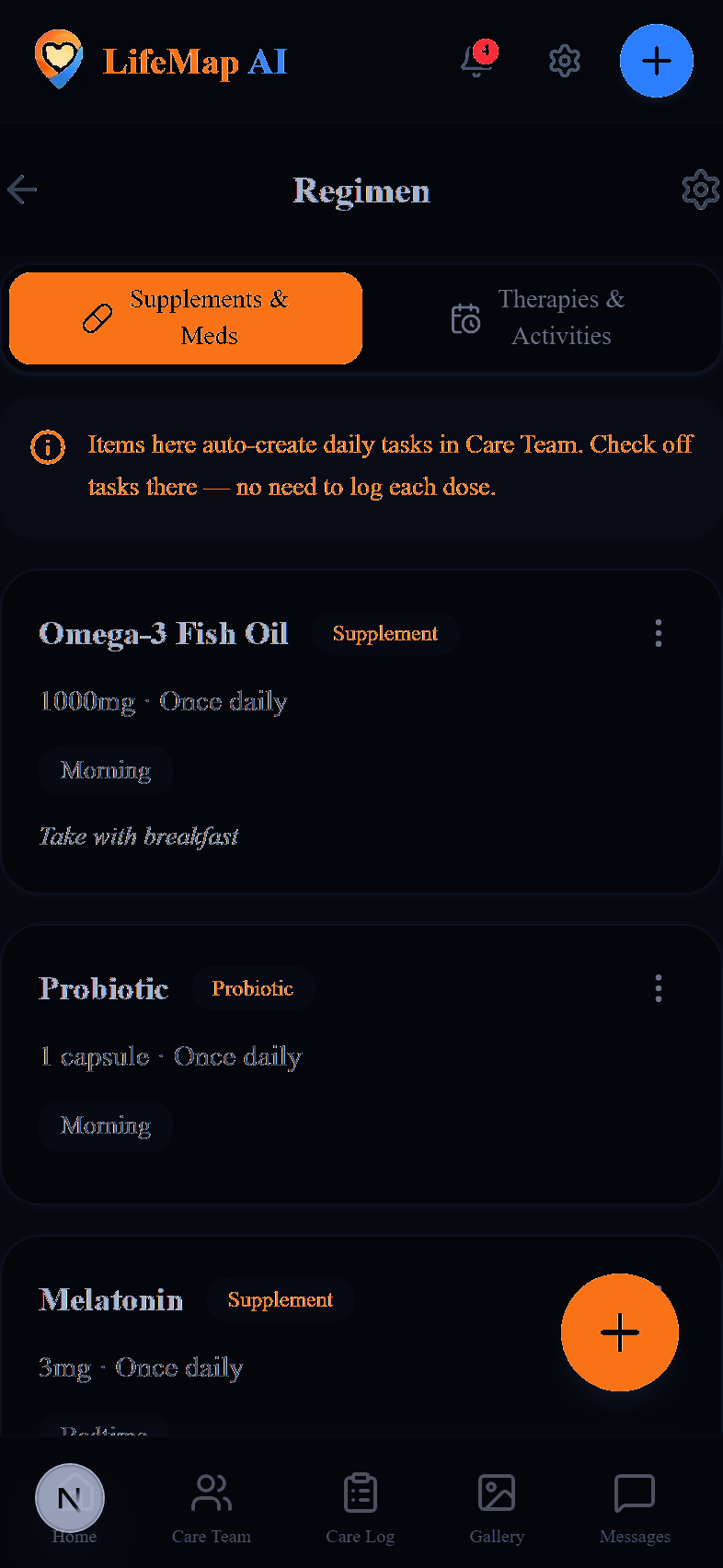
Regimen
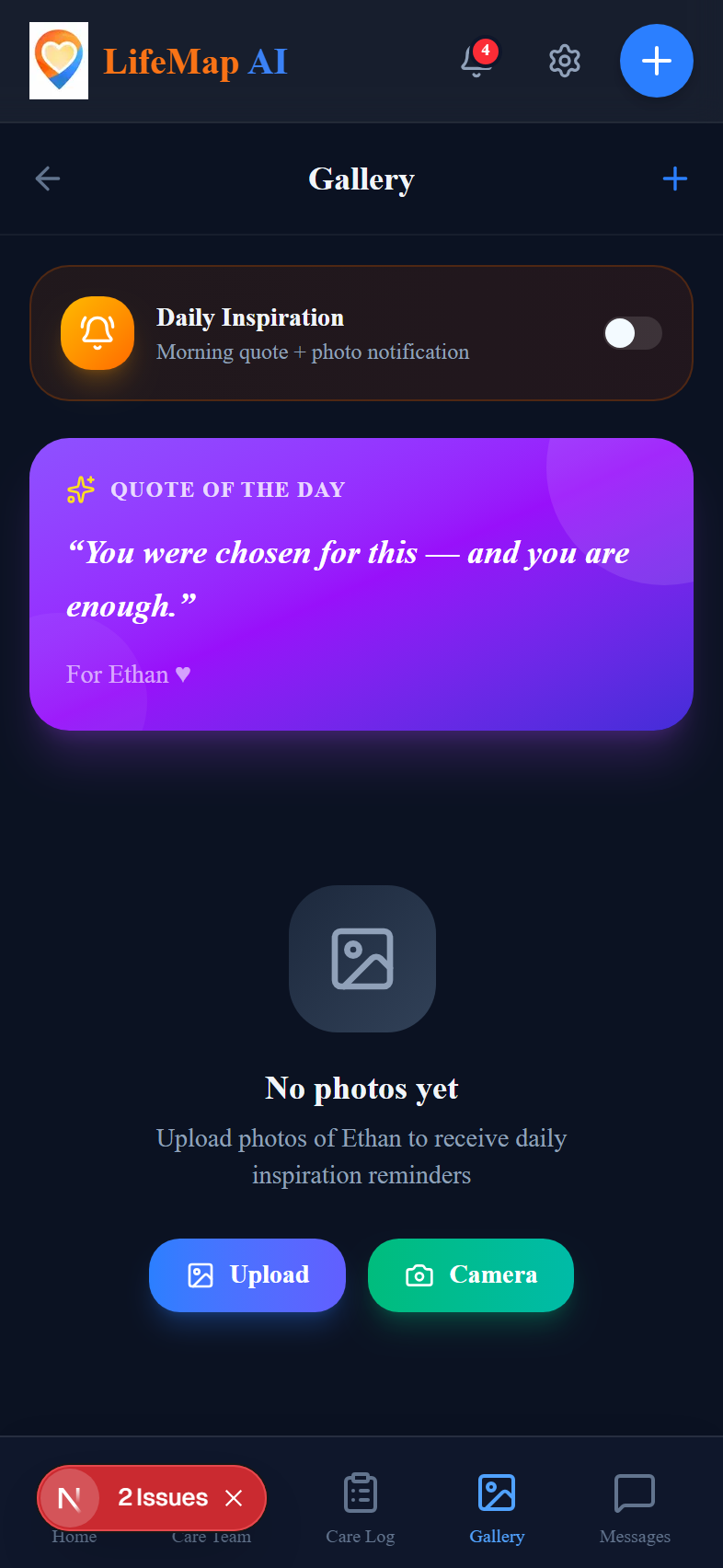
Gallery

Sign In
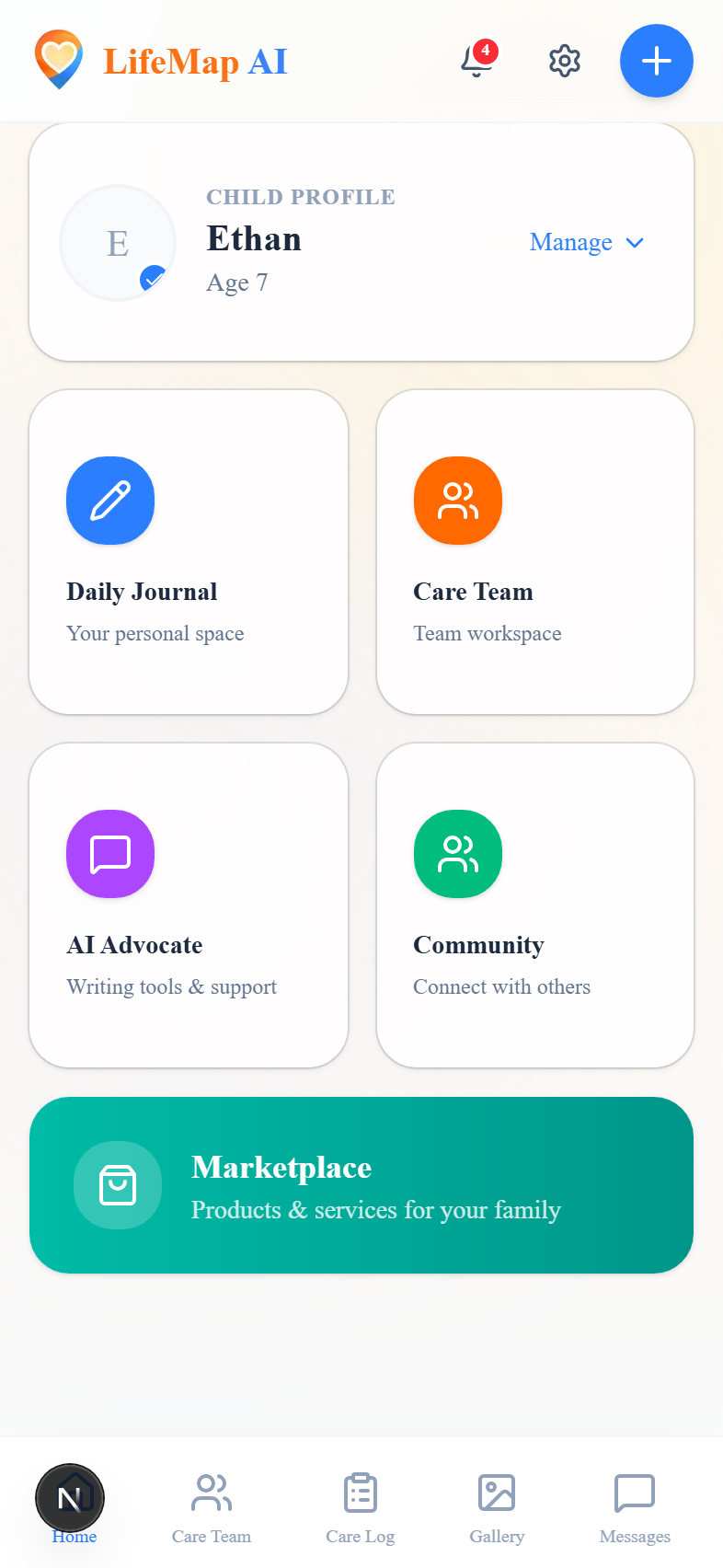
Dashboard
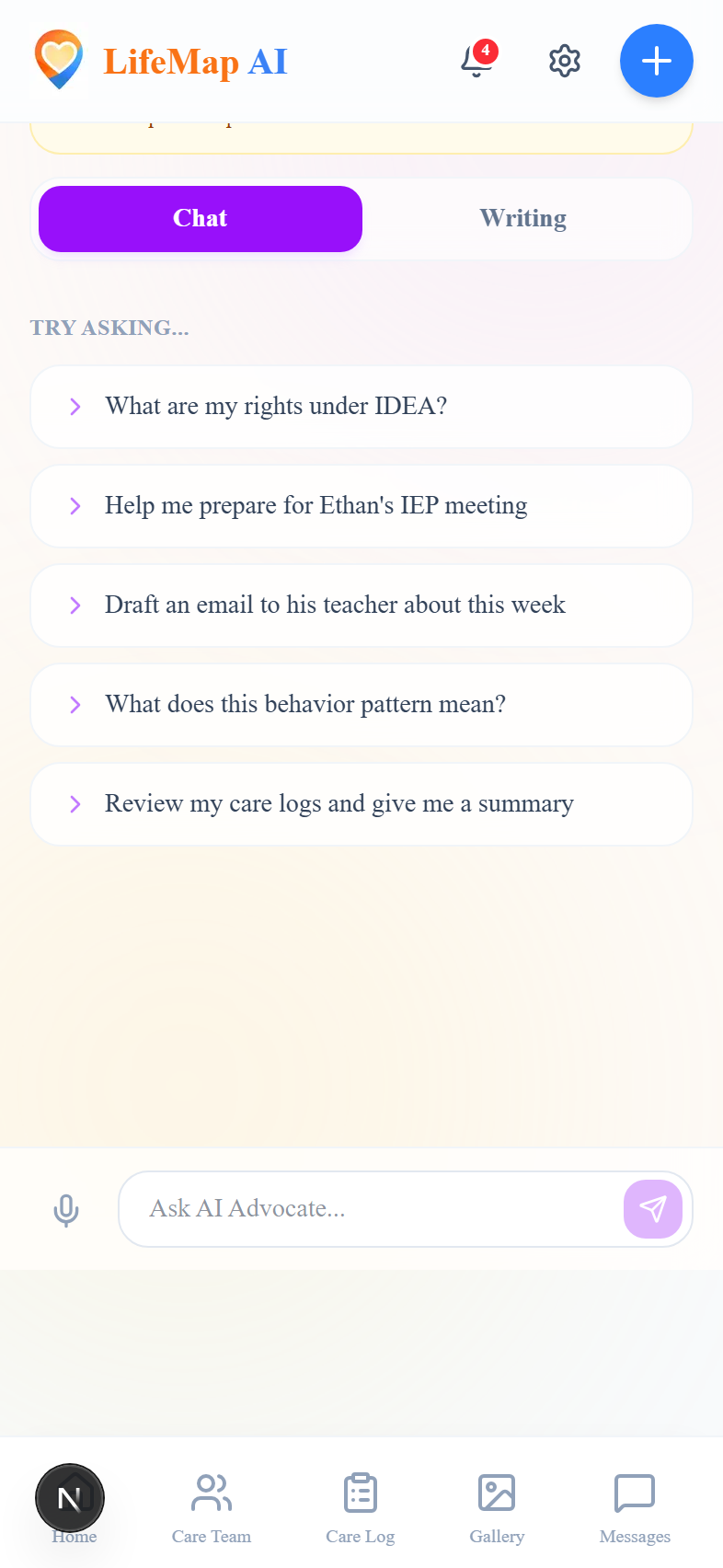
AI Advocate
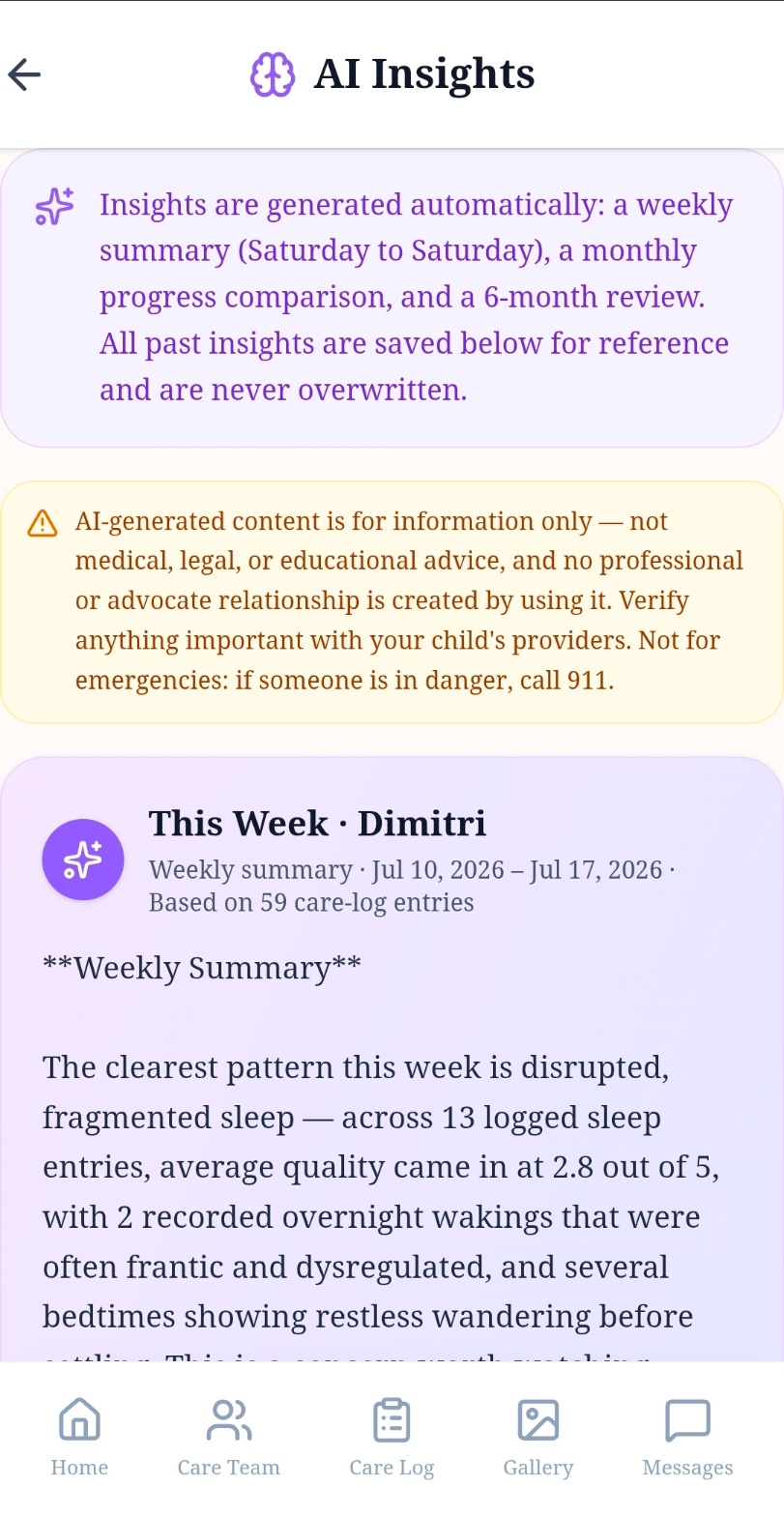
AI Insights
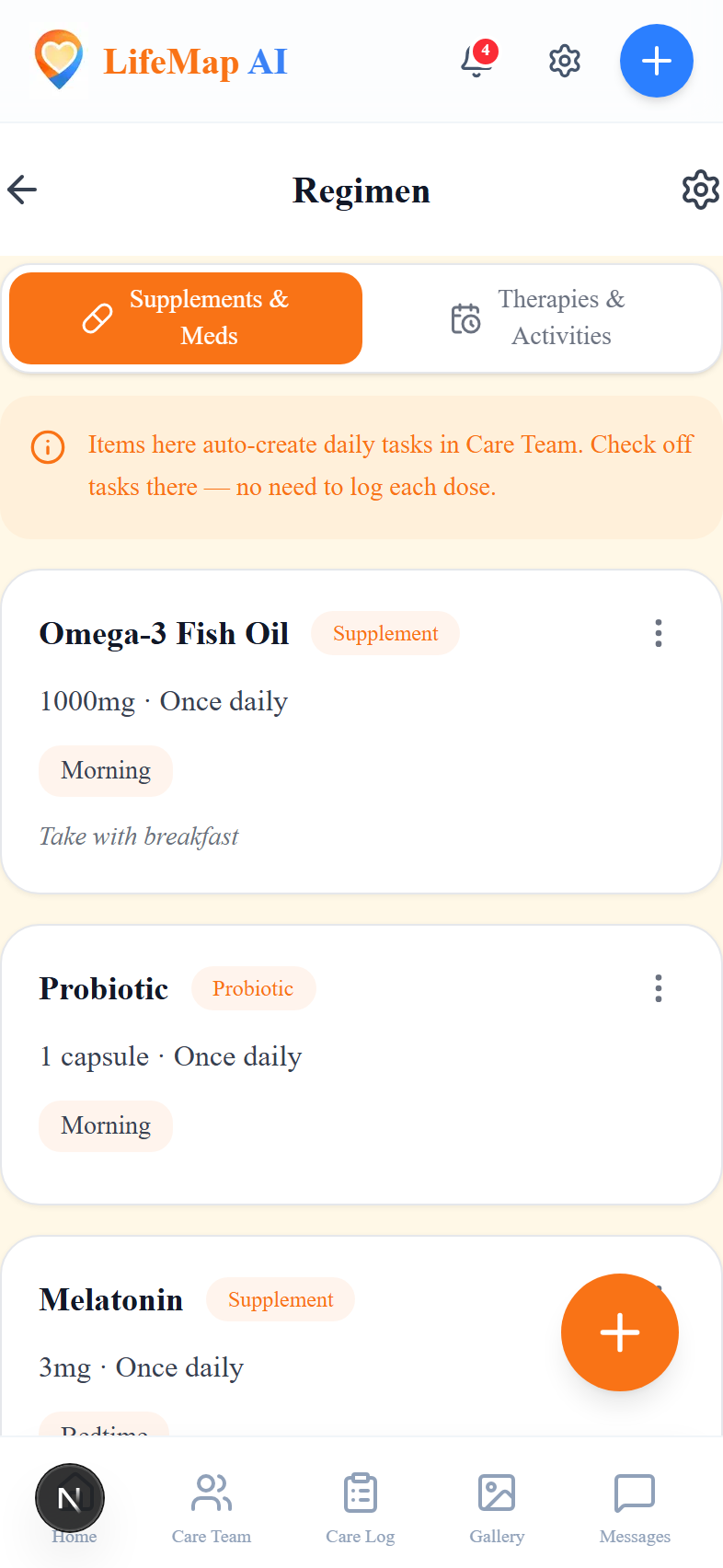
Regimen
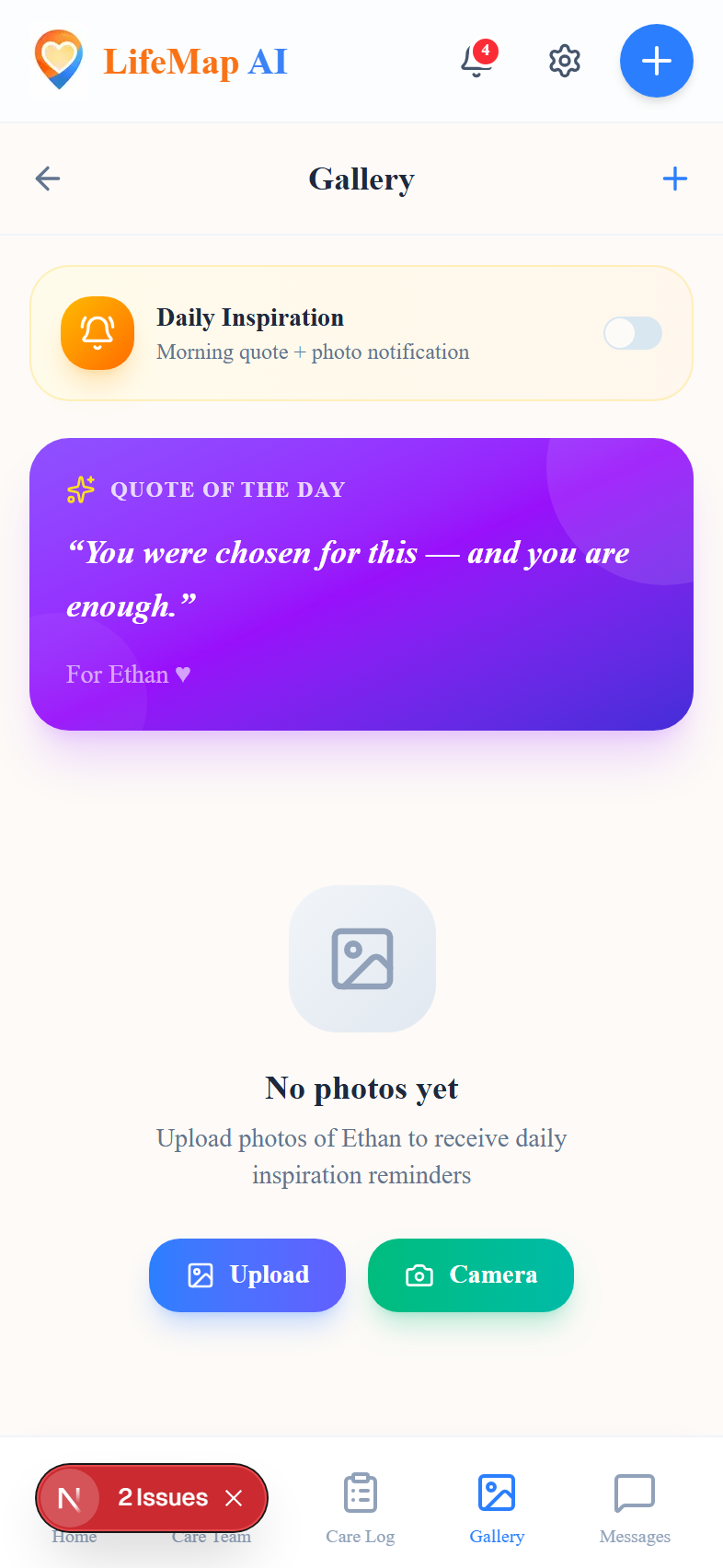
Gallery

Sign In
Simple Setup
Up and running in minutes
Create Your Family Profile
Set up your account, add your children's profiles, and tell us about their unique needs and strengths.
Customize Your Experience
Ditri adapts to your family — set goals, connect your care team, and configure your dashboard.
Get AI-Guided Support
Receive personalized insights, daily action items, and coordinated care recommendations — all in one place.
Why We Built Ditri
From our family to yours
Everything about Ditri began with my son, Dimitri.
Raising a child with special needs means living inside a maze of IEP meetings, therapy schedules, medications, supplements, labs, and endless paperwork — with no single place to hold it all together. I’m still in it every day.
I built Ditri to be the calm, organized partner I wished I’d had from day one. One home for every note, milestone, document, and member of the care team.
But it became something more than a place to keep things. When you log the small moments — how he slept, what he ate, a hard morning, a new supplement, a behavior that came out of nowhere — Ditri connects them. It started showing me patterns I was living but couldn’t see: that his roughest days followed his worst nights, that a change in his gut protocol tracked with his behavior, that certain foods set off the hardest days. Things I could finally walk into an appointment and show a doctor, instead of trying to remember.
That’s what I want Ditri to be for your family. Not a replacement for your doctors and therapists — a way to walk in prepared, and to spend less time managing the chaos and more time simply being present with your child.
Your information stays yours. You choose who on your care team sees what. Always.
Thank you for trusting us with your family’s story.

Evan Thompson
Founder, Ditri · Dimitri’s dad
Install the App
No app store needed
Ditri installs straight from your browser — add it to your home screen in seconds on iPhone, Android, or desktop. No downloads from an app store, and your data syncs seamlessly across every device.
Android
- 1Open ditri.ai in Chrome.
- 2Tap the menu in the top-right corner.
- 3Choose “Add to Home screen” (or “Install app”), then confirm.
- 4Ditri now lives on your home screen — open it like any other app.
iPhone & iPad
- 1Open ditri.ai in Safari (required on iOS).
- 2Tap the Share button at the bottom of the screen.
- 3Scroll down and tap Add to Home Screen.
- 4Tap “Add” — Ditri appears on your home screen.
On desktop? In Chrome or Edge, click the install icon in the address bar (or use the browser menu → “Install Ditri”) to run it as a standalone app. Or just use it right in your browser at ditri.ai.